Done in about 1 min(How long it takes to do this in Orchesi)
Find fellow members and club contacts
Look up a fellow member's phone number, or quickly find who to ask about things like dues, uniforms or sponsorship.
Where do you use Orchesi?
Who’s the new horn player, and who do you tell when you move? In Orchesi you find your fellow members and your association’s go-to contacts in one place.
Look up a fellow member
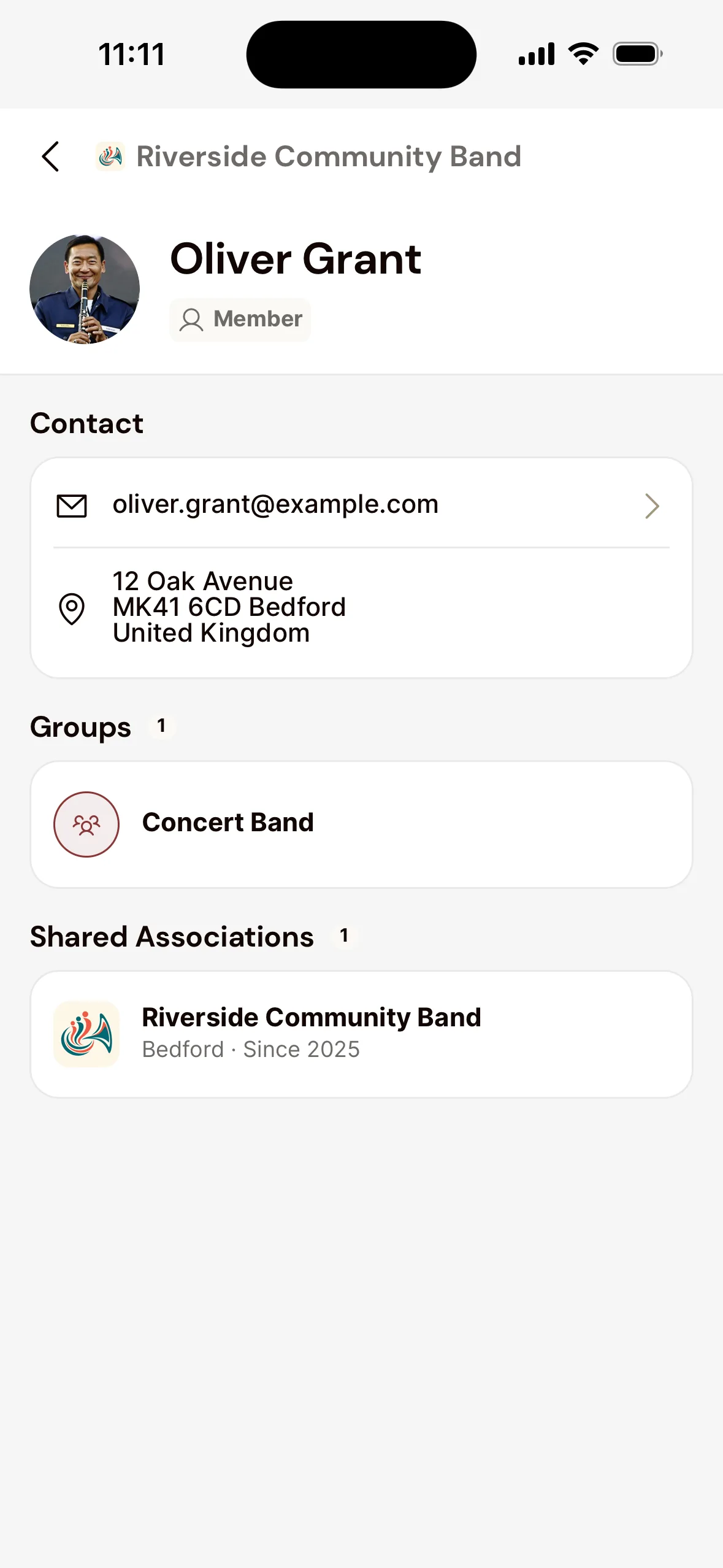
- Open the Club tab and choose Members.
- Search by name and tap the member. You see which groups they’re in, and the contact details they share.
Who should I ask?
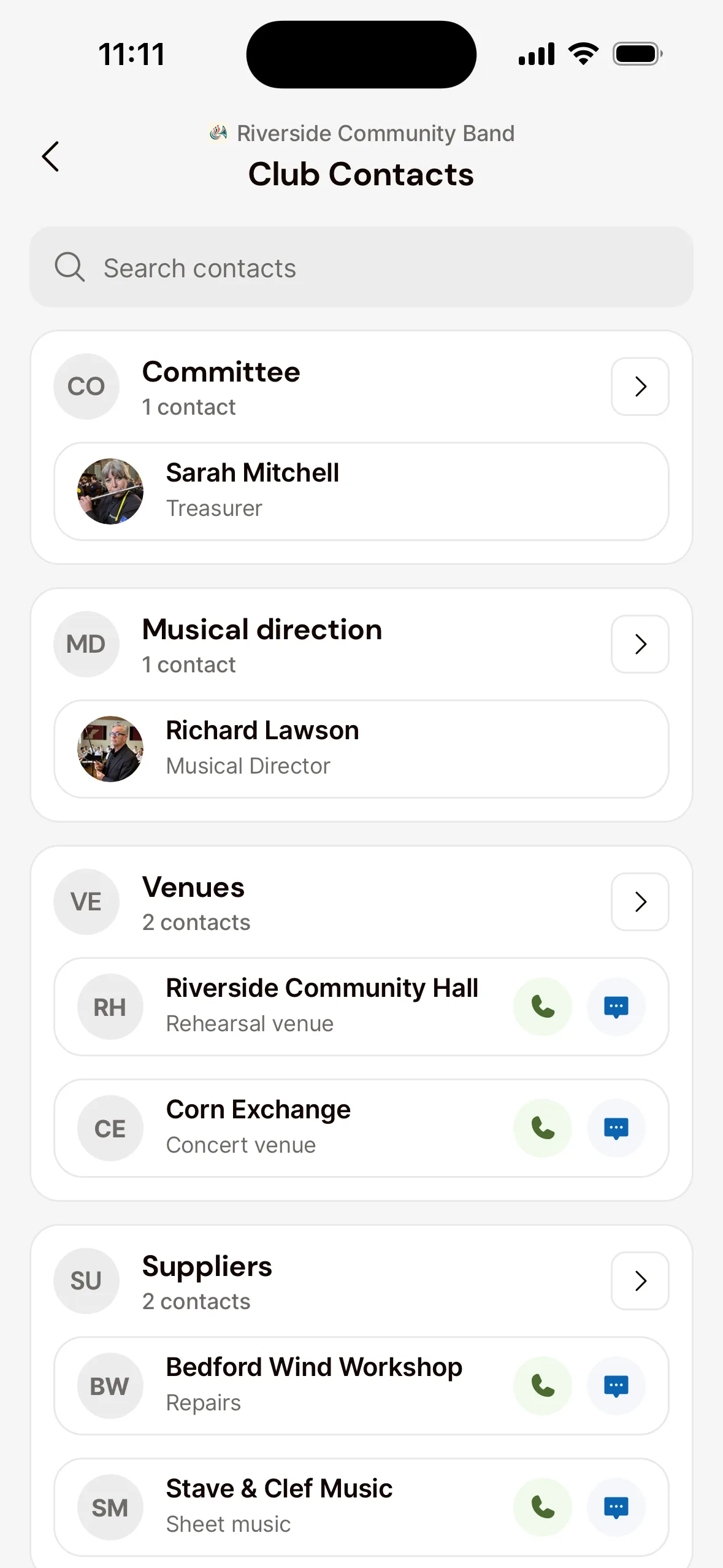
- Open the Club tab and choose Club Contacts.
- Contacts are grouped by topic, for example Membership or Dues. Tap someone for their email address and phone number. Has a contact got a phone number? Then you can call or message them straight from the list, with the buttons next to their name.
Look up a fellow member
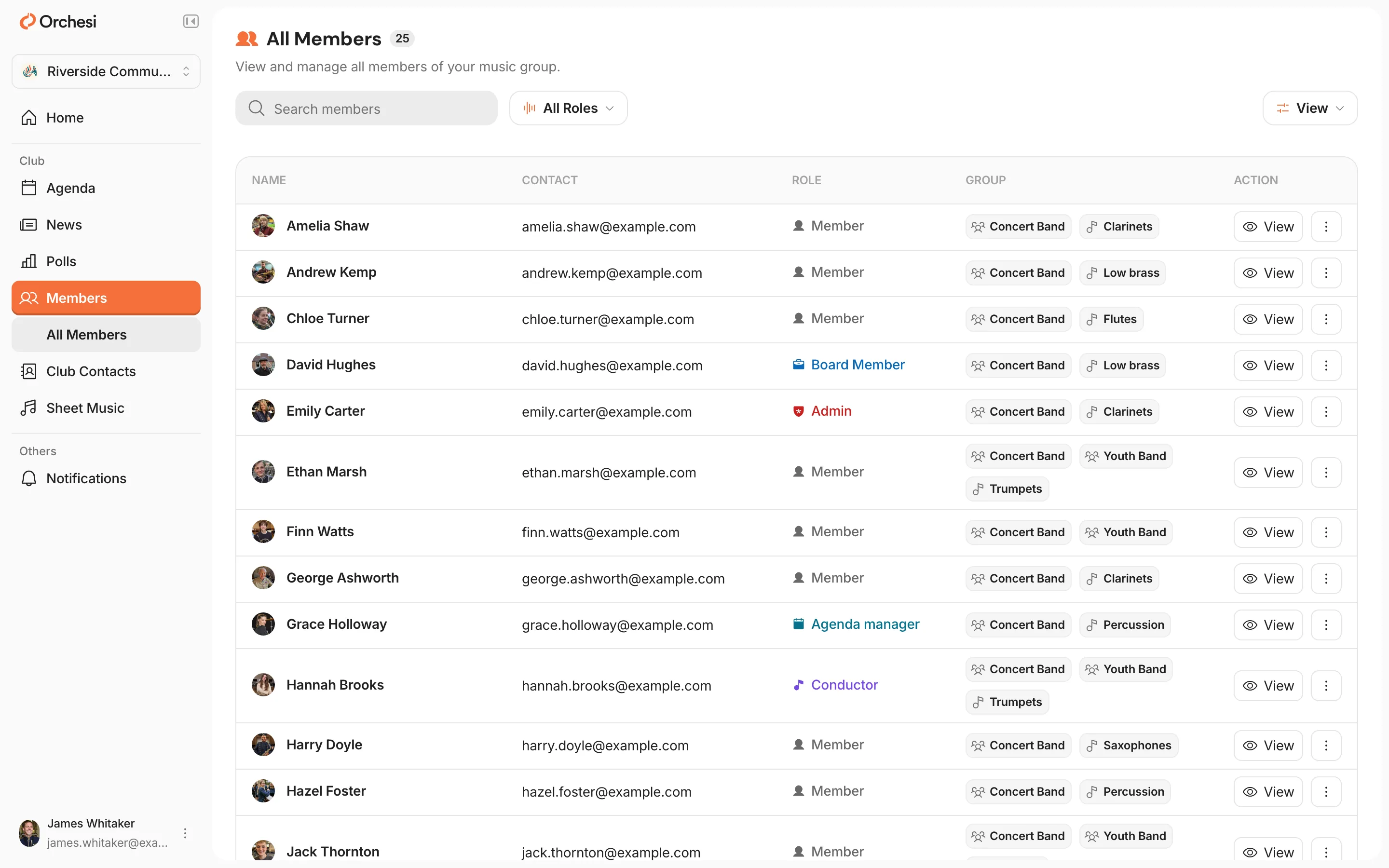
- Go to Members in the menu.
- Search by name and click the member to see the details they share.
Who should I ask?
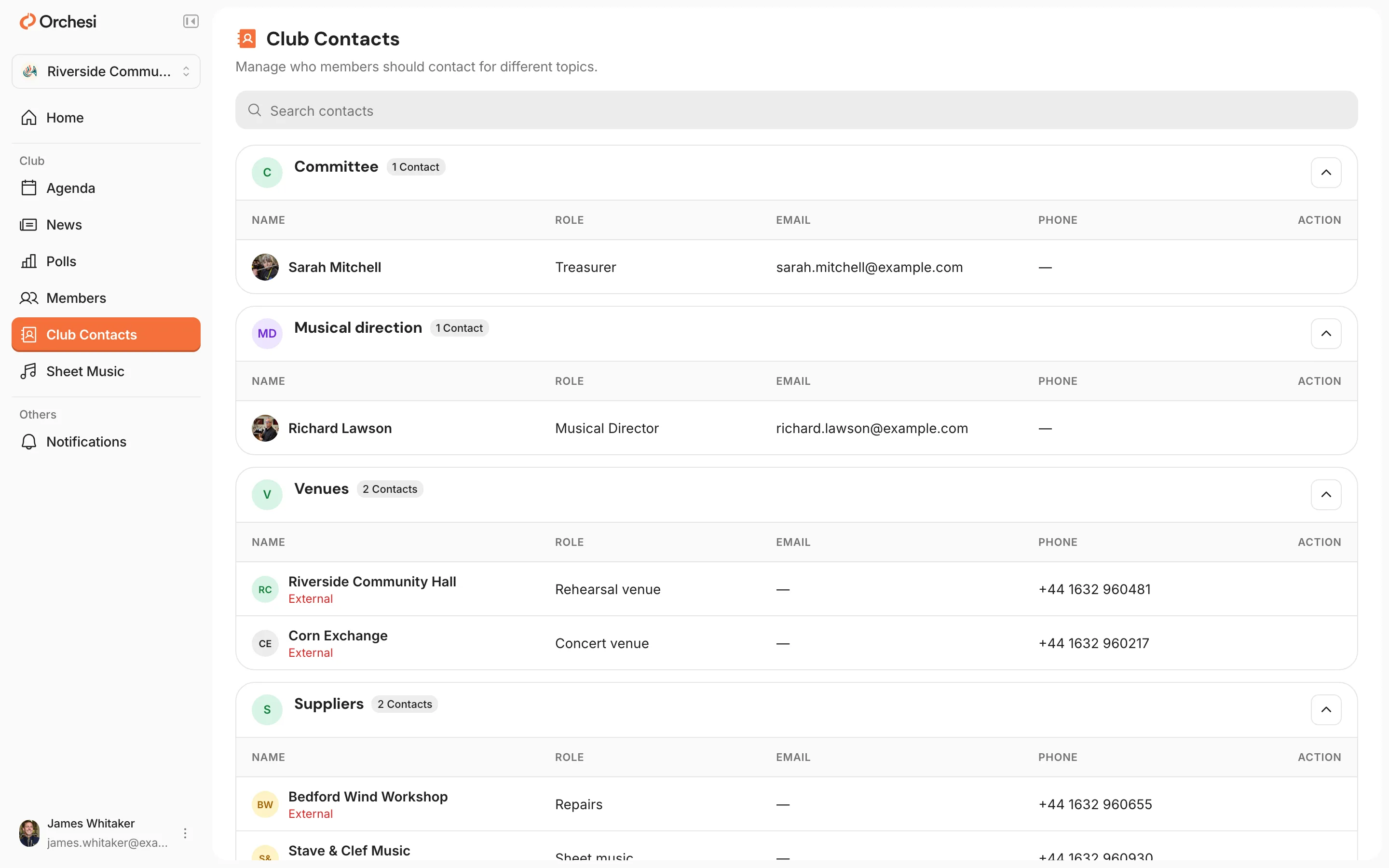
- Go to Club Contacts in the menu.
- Contacts are grouped by topic, with their email address and phone number.
Can’t see someone’s phone number? Everyone decides which contact details fellow members see. To set that for yourself, read Set up your profile and notifications.
Last updated:
Did this article help?
Great, thanks for letting us know!
Thanks! We’ll use this to improve the article.
Still stuck?