Done in about 2 min(How long it takes to do this in Orchesi)
What you play and your own instruments
Say which instrument or voice part you play, and keep track of your own instruments with brand, serial number, photos and maintenance.
Where do you use Orchesi?
Your profile shows what you play, so the board knows which section you belong in. You can also keep track of your own instruments: handy for insurance, and for seeing when your instrument is due for a service.
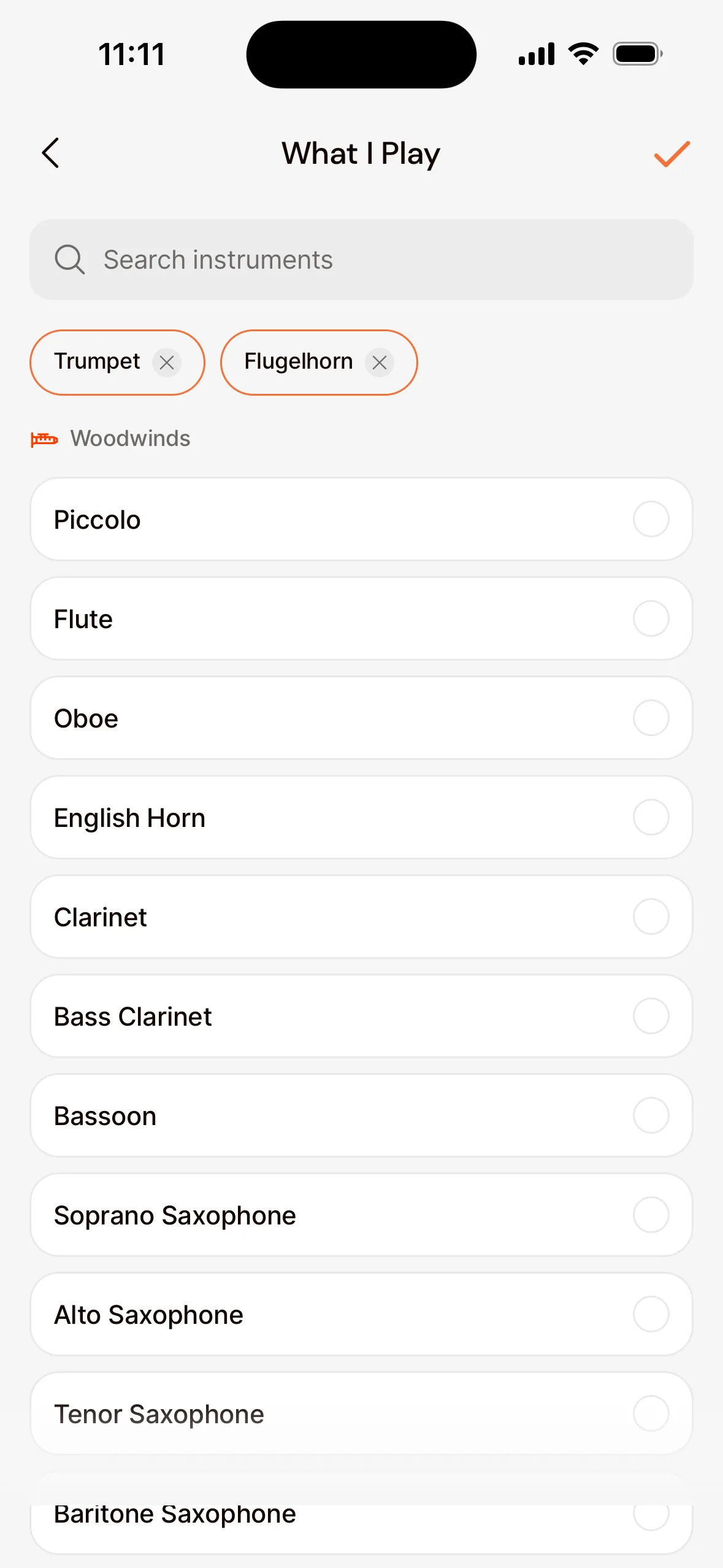
What you play
- Tap your profile photo in the top left.
- Under Account, choose What I Play.
- Choose your instrument or voice part, for example Clarinet, Flugelhorn or Soprano. You can choose more than one.
Keep track of your own instruments
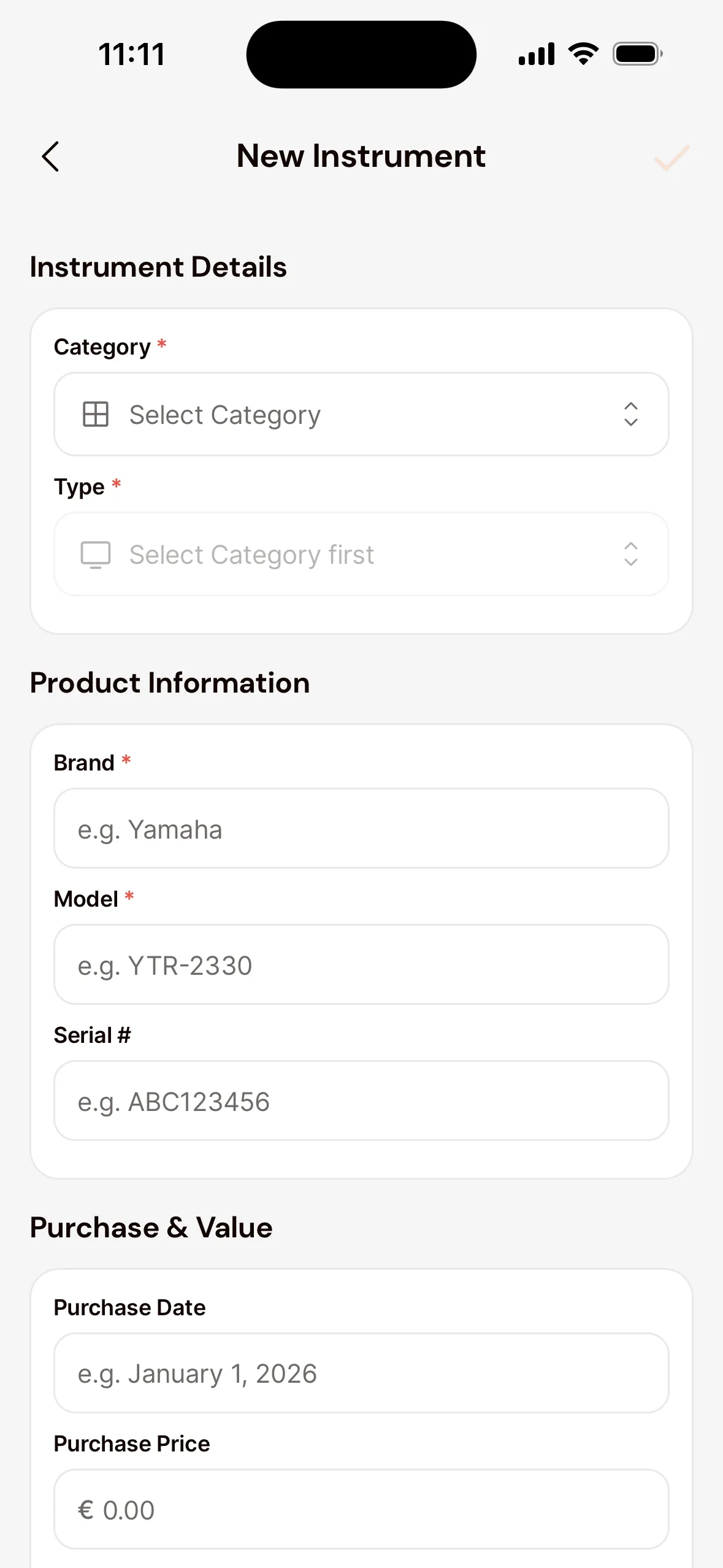
- In your profile, go to My Instruments and tap Add instrument.
- Choose the Category and Type, and fill in what you know: Brand, Model, serial number, purchase details and Insurance Value.
- Optionally add photos and the purchase invoice, and tap Save Instrument.
Later, you can log maintenance on an instrument, like a service at the repair shop, and report damage under Incidents.
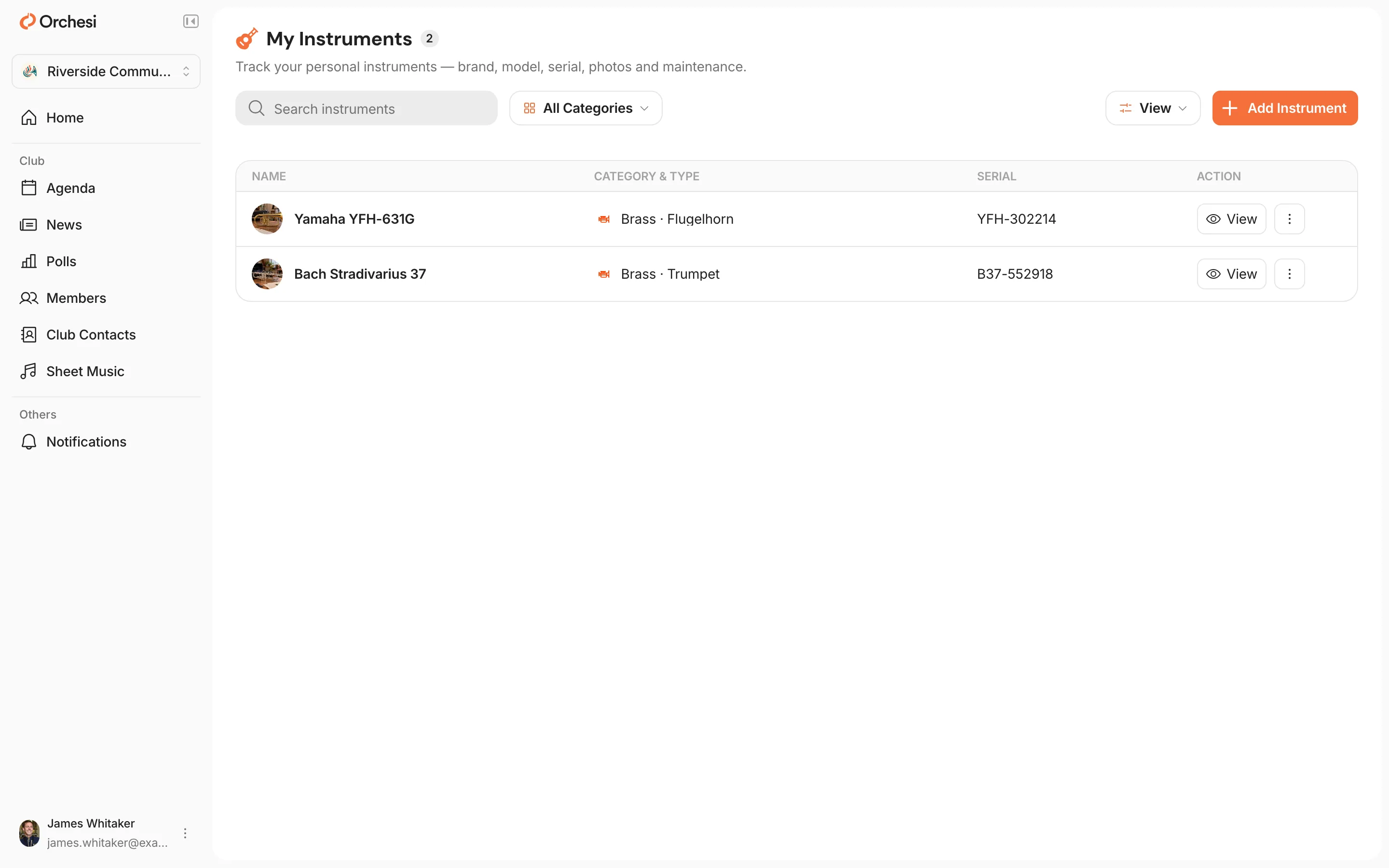
Keep track of your own instruments
- Click your name at the bottom left of the menu and choose My Instruments.
- Click Add Instrument and fill in the details, like the brand, model and serial number.
- Optionally add photos and save the instrument.
What you play is set in the app, under What I Play. Choose App at the top of this article.
Good to know: your own instruments are yours. If you borrow an instrument from your association, the instrument manager keeps track of that.
Last updated:
Did this article help?
Great, thanks for letting us know!
Thanks! We’ll use this to improve the article.
Still stuck?